BccPilot
bccpilot Published
Adds a hidden Bcc copy of the system emails WordPress sends to the administrator, delivered to an address of your choice.
v1.1.0 · PHP 7.4+ · WP 5.2+
- From
- WordPress <wordpress@yoursite.com>
- To
- administrator@yoursite.com
- Bcc
- name@example.com hidden copy
- Subject
- Your Site is Experiencing a Technical Issue
The original arrives as usual. The copy reaches you too. The administrator sees no Bcc line.
What does it do?
BccPilot lets you choose which WordPress notifications are copied, in Bcc, to an extra address. The administrator keeps receiving them as before: the only change is that a hidden copy also reaches whoever you pick.
You set everything up in Settings → BccPilot.
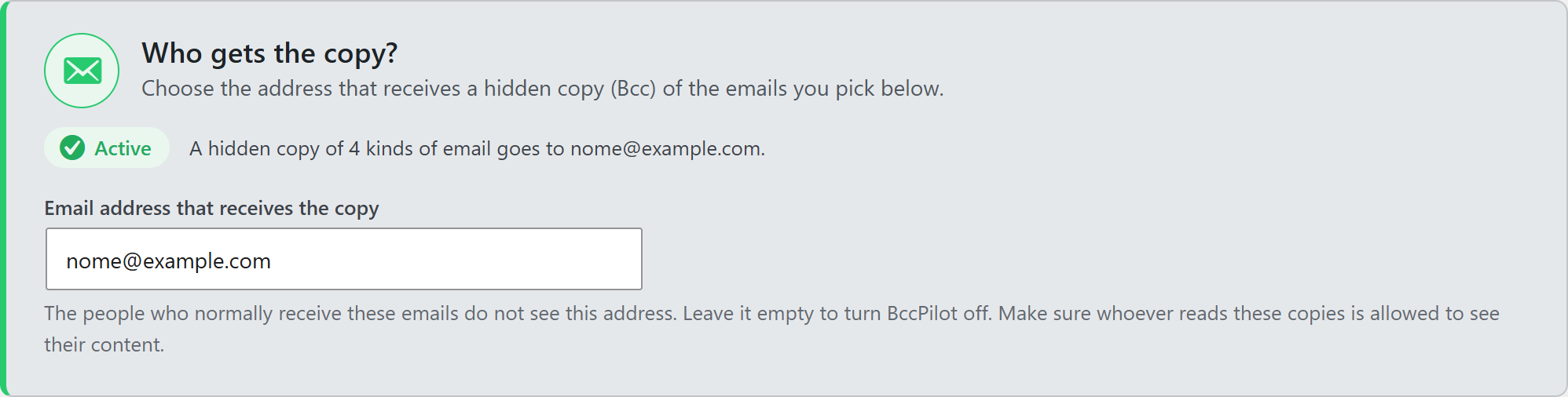
Who gets the copy?
Choose the address that receives the hidden copy
The people who normally receive these emails won’t see it. If you leave it empty, BccPilot stays off. At the top, the page tells you whether the plugin is active and how many emails it copies.
Which emails does it copy?
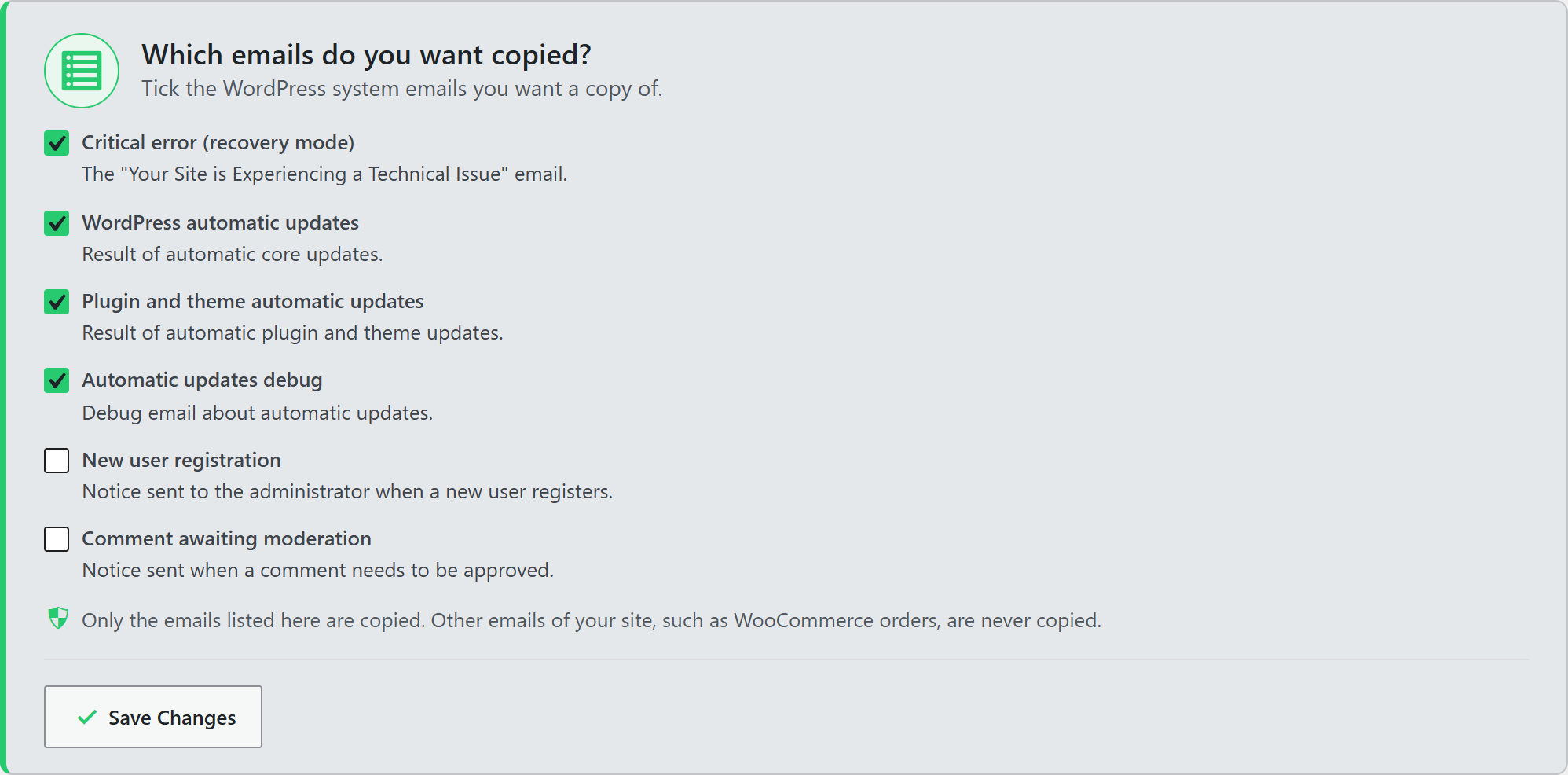
Tick only the ones you need
- the site’s critical error (the “Your Site is Experiencing a Technical Issue” email);
- the result of automatic updates for WordPress, plugins and themes, and the updates debug email;
- the new user registration notice;
- the notice of a comment awaiting moderation.
How do I check it works?
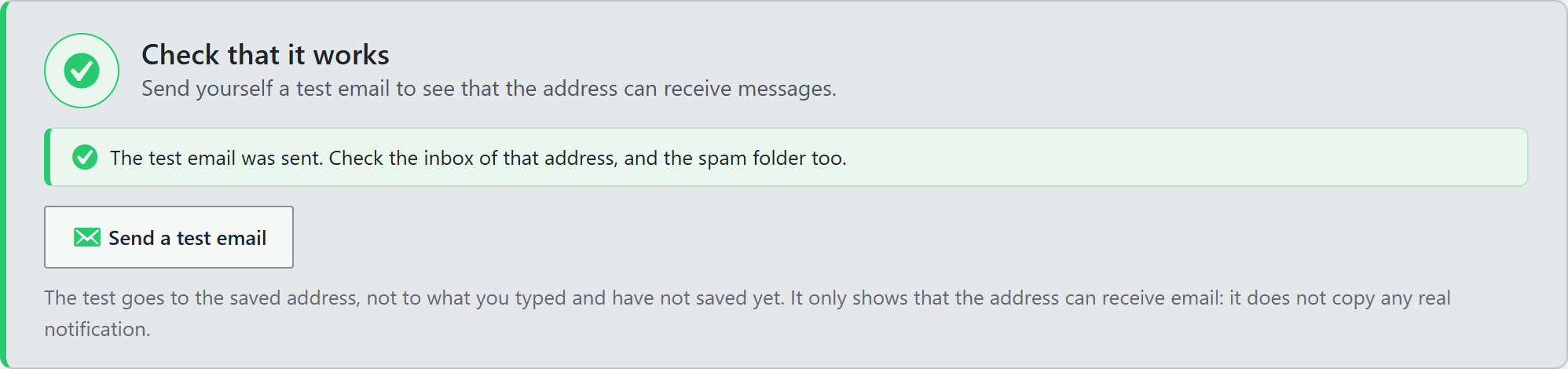
Send a test email
The button sends a message to the saved address, so you can see it arrive: check the spam folder too. It doesn’t copy any real notification and doesn’t save anything.
What doesn’t it do?
- It doesn’t copy WooCommerce emails or other generic site emails: it only uses the filters of the individual system notifications.
- It doesn’t replace the original recipient: the administrator still receives every email.
- It doesn’t fix delivery problems: if the site can’t send email (missing or wrong SMTP), neither the original nor the copy is sent.
What data does it use?
The plugin doesn’t collect data and doesn’t send it to any external service. The emails you choose go to the address you set: make sure the person who receives them is authorized to read their content. The test email, which is sent only when you press the button, goes to the address you saved through your site’s normal mail system and contains no personal data.
What do I need?
WordPress 5.2 or later, PHP 7.4 or later. GPLv2 or later license.
What’s changed?
1.1.0
- New settings page: header with the plugin icon, grey cards, a clear “Active / Not active” status and a new look for buttons and checkboxes.
- New “Send a test email” button to check that the address receives messages.
- In the page header, the “by E3pr0m” link and the “Support development” link.
- Added the plugin website and the donation link.
1.0.0
- First release.
- Settings page to choose the Bcc address and which system emails to copy.